 Duvan Prieto
Plug-in for Final Cut Pro · Version 2.0
Grit Guides Pro
Pixel rulers, up to 10 guides each way, composition grids and delivery safe zones, sharp at any viewer size.
$15 · Checkout opens soon · macOS 13 or later
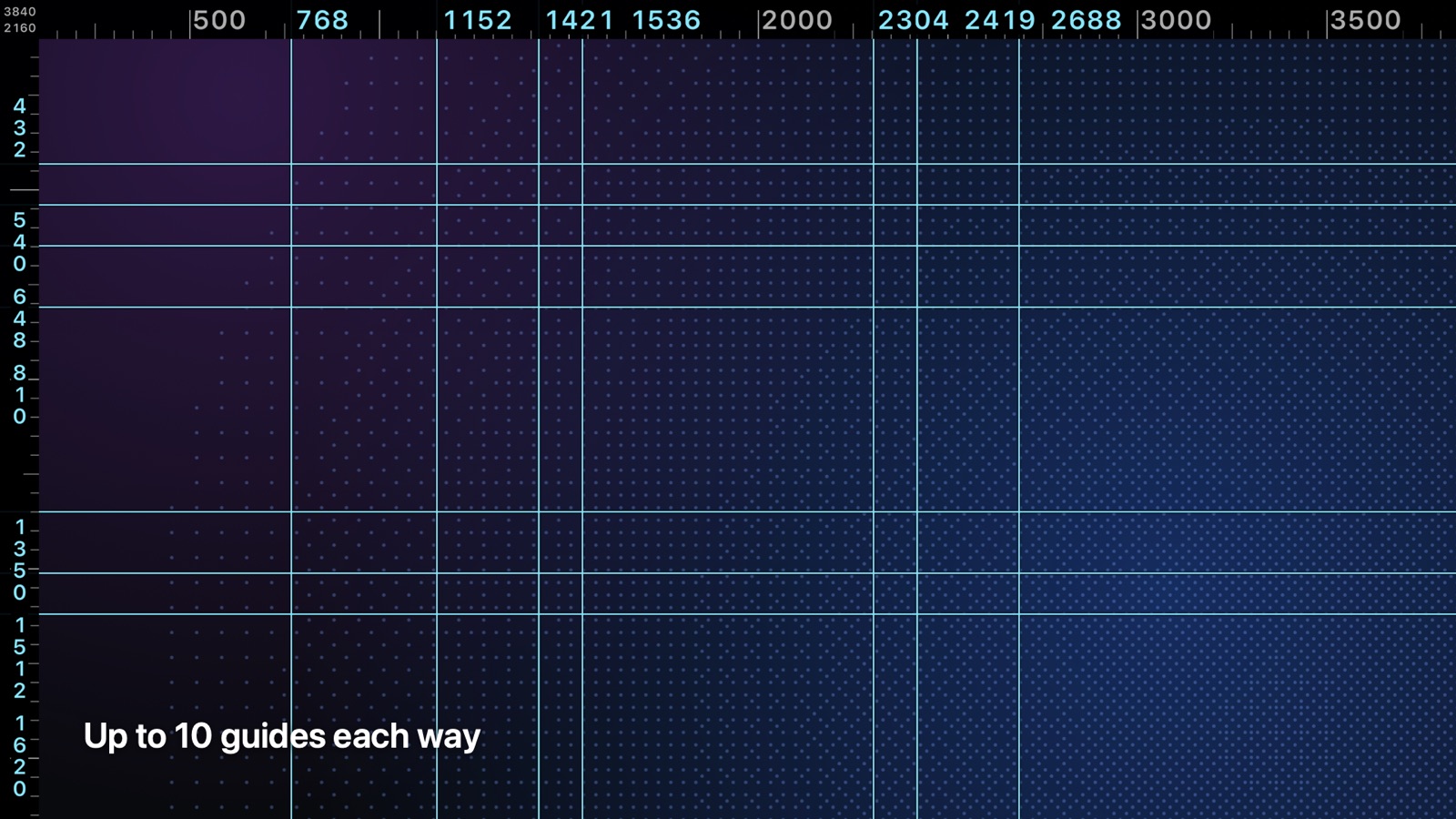
Up to 10 guides each way.
Drag them in the viewer or type a number. They snap to the thirds, the center, the golden-ratio lines, safe zones and each other, and their positions show in the rulers.
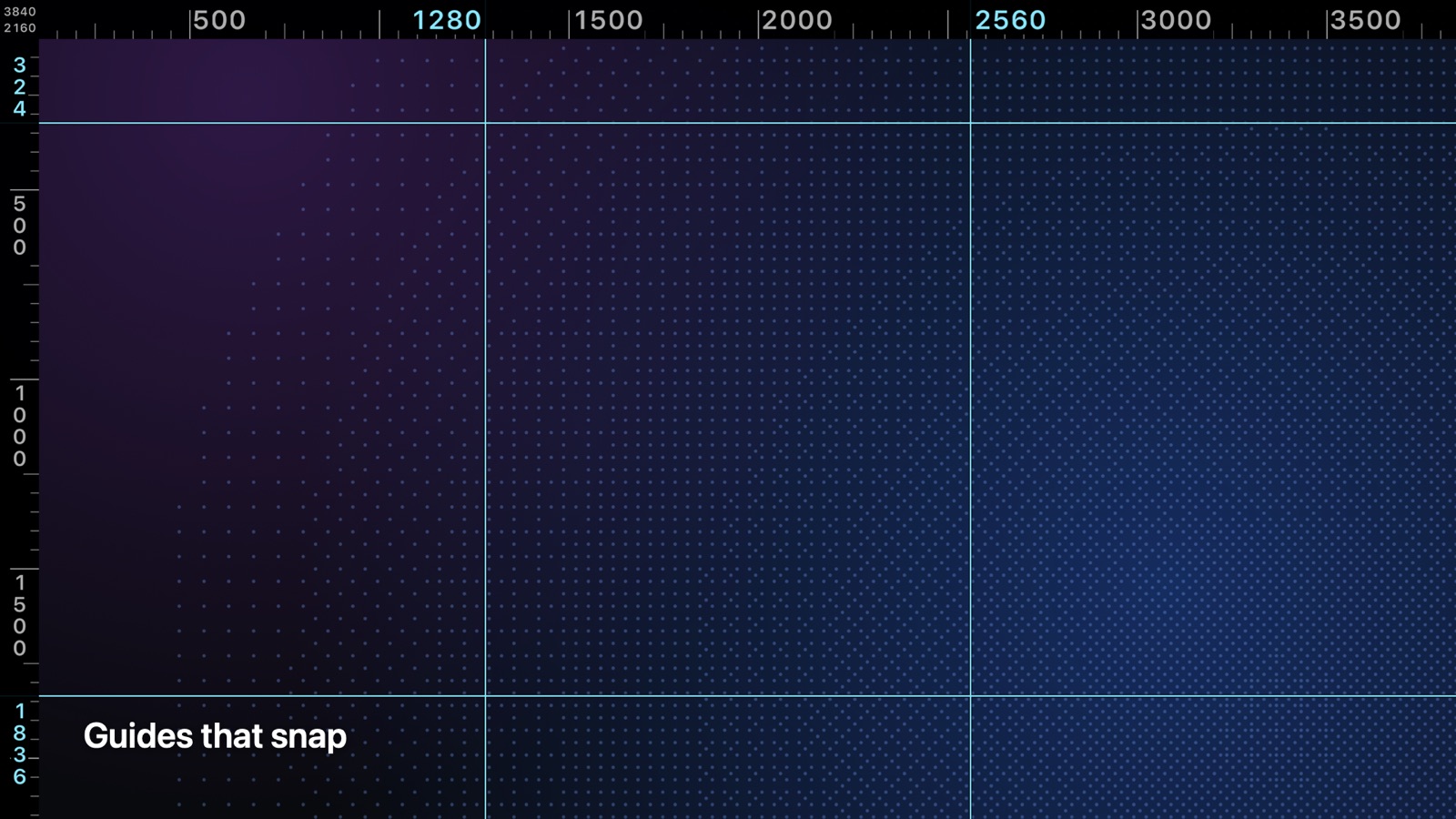
Guides that snap
Show Spacing measures every gap, in pixels.
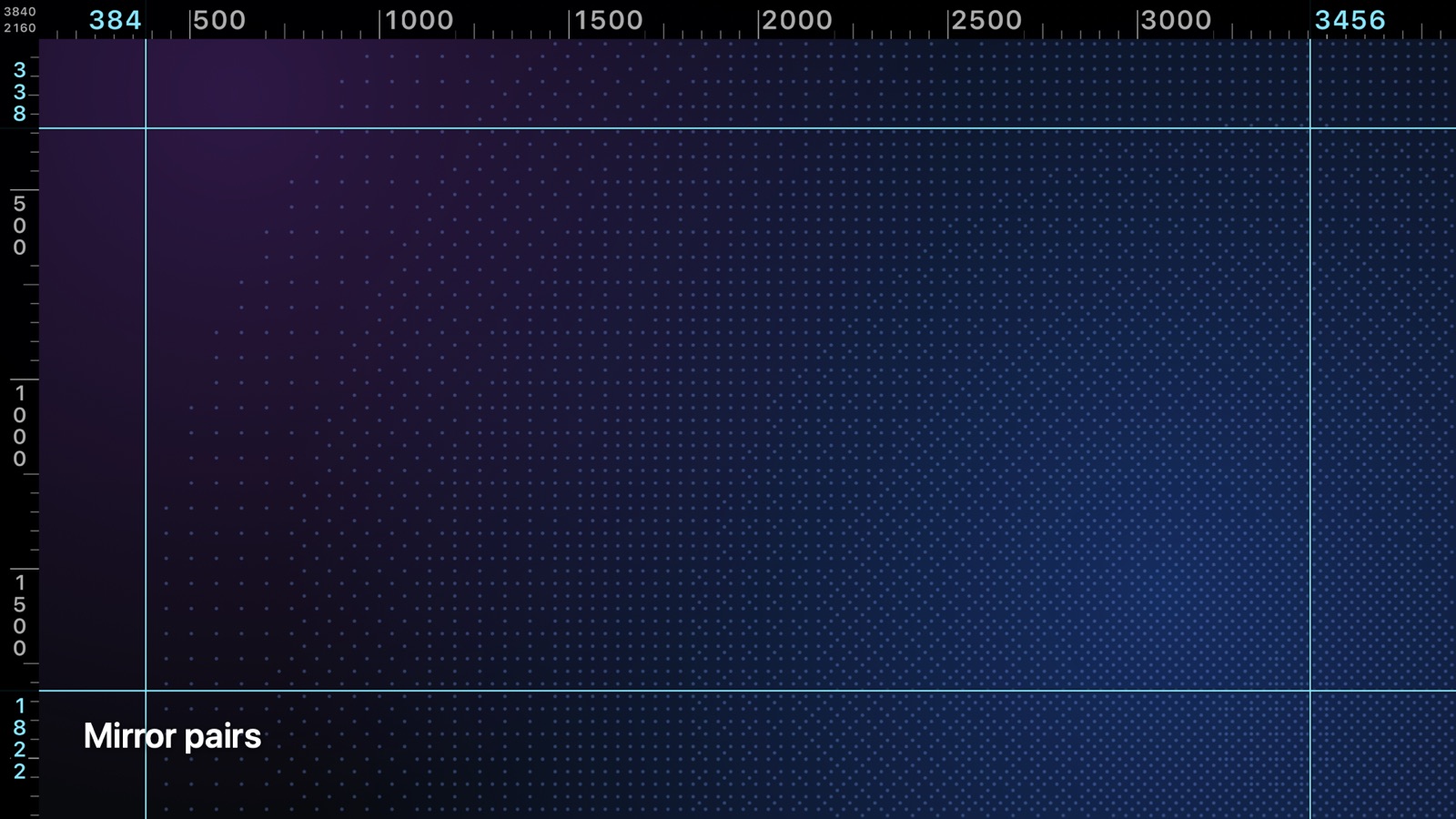
Mirror pairs
Drag one guide and its partner mirrors it across the center.
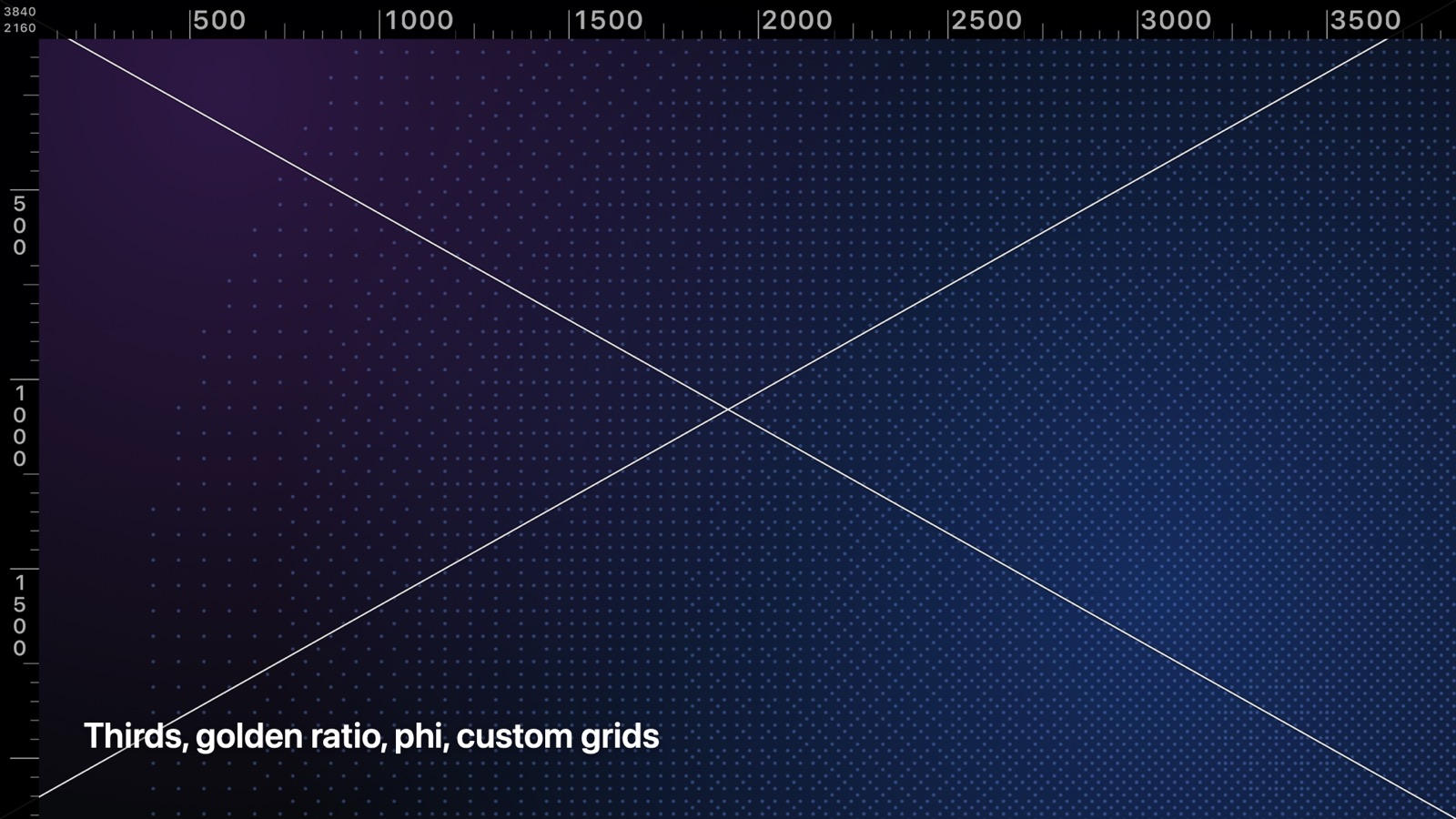
Every grid you frame with.
Thirds, golden ratio, phi grid, fifths, golden triangle, harmonic armature, diagonals, center cross, a custom grid and a layout grid with columns and gutters. Each with its own color.
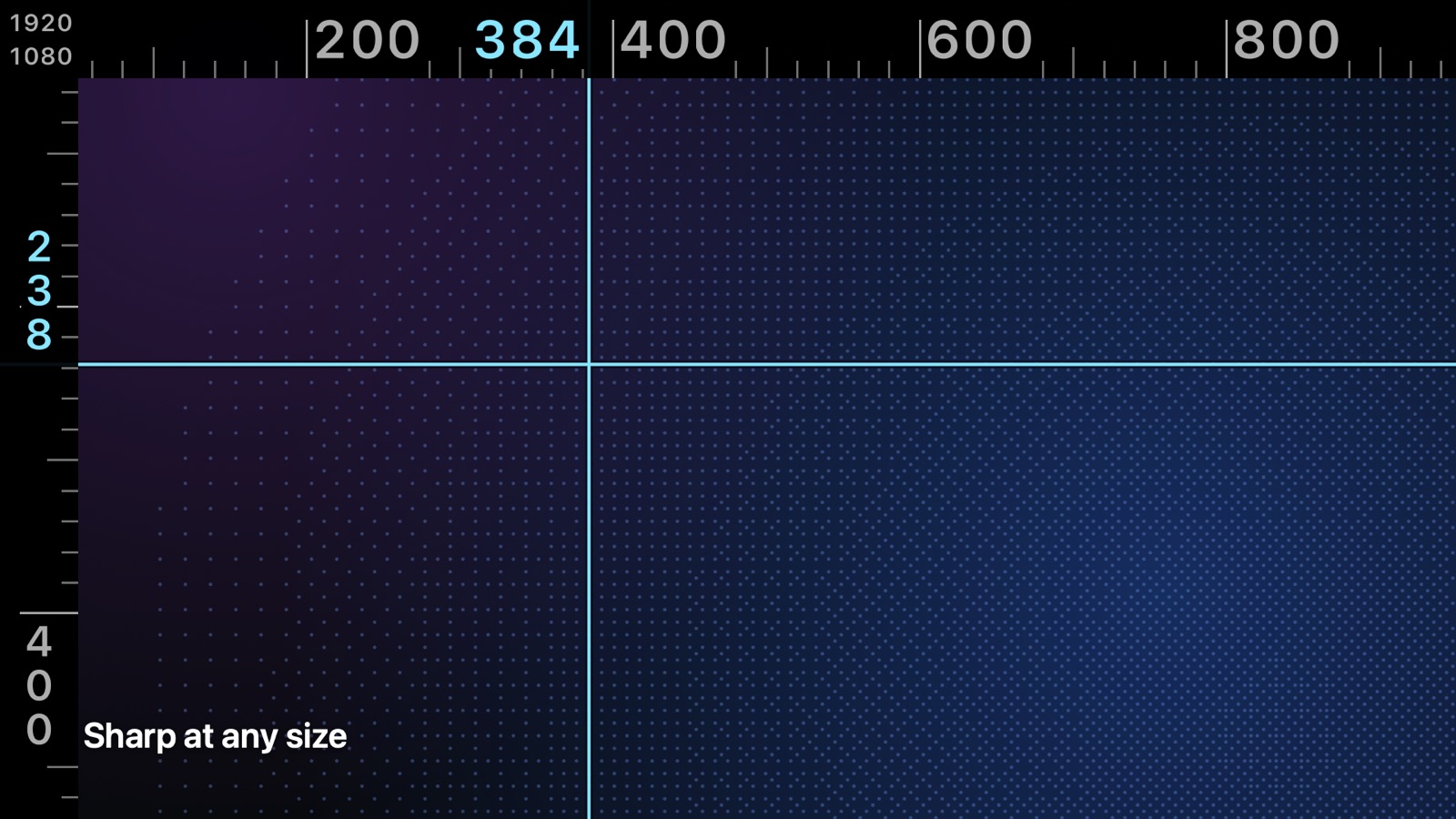
Sharp at any size
Drawn for the viewer you're looking at, crisp from a laptop to a 5K display.
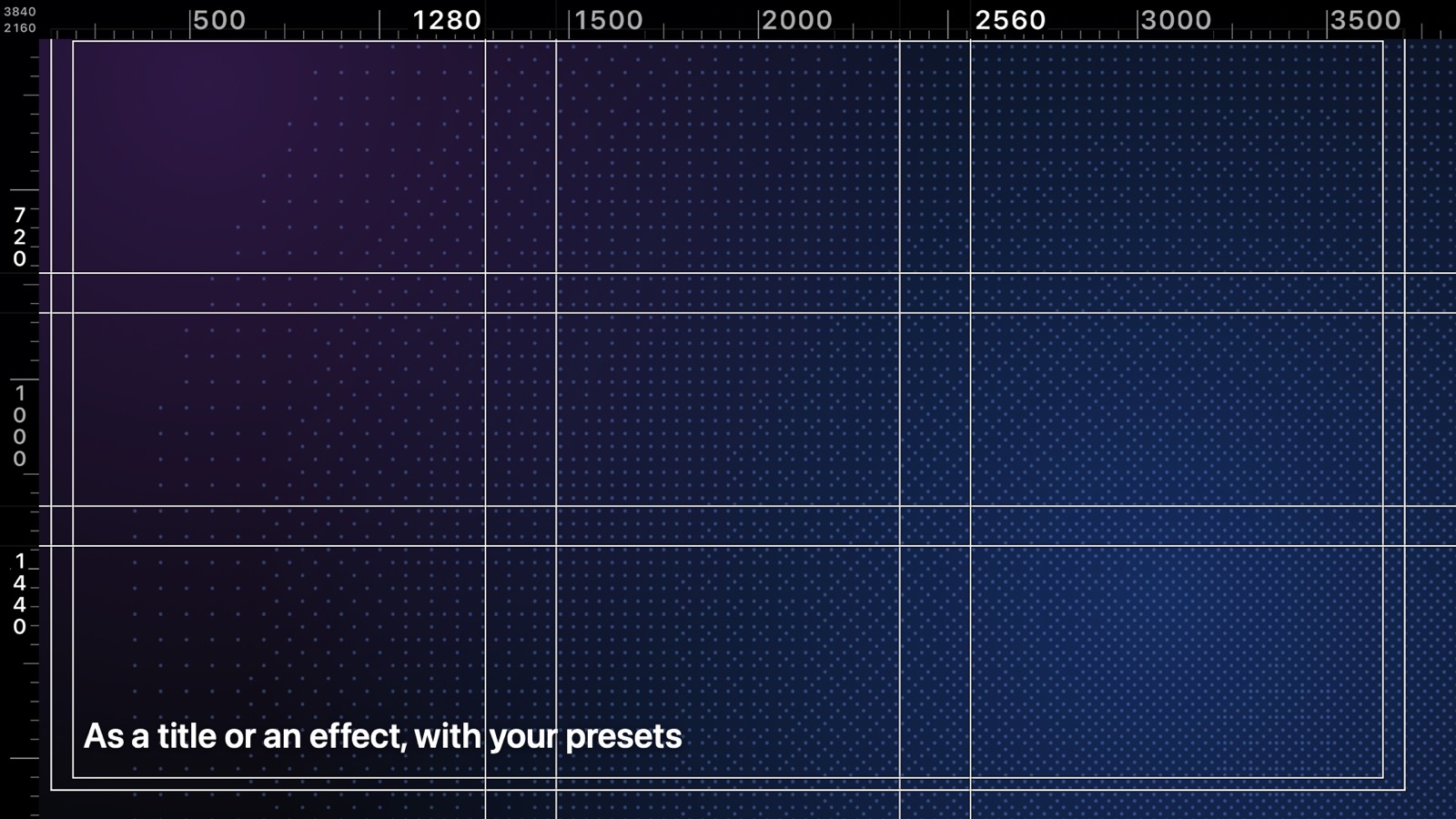
A title or an effect
Above your clips, or on an adjustment layer. Any project shape.
See it the way viewers will.
Safe zones for Reels, TikTok, Shorts and Stories, with each app's buttons and caption drawn over your video. Plus title safe, action safe and every aspect ratio from 2.39:1 to 9:16.
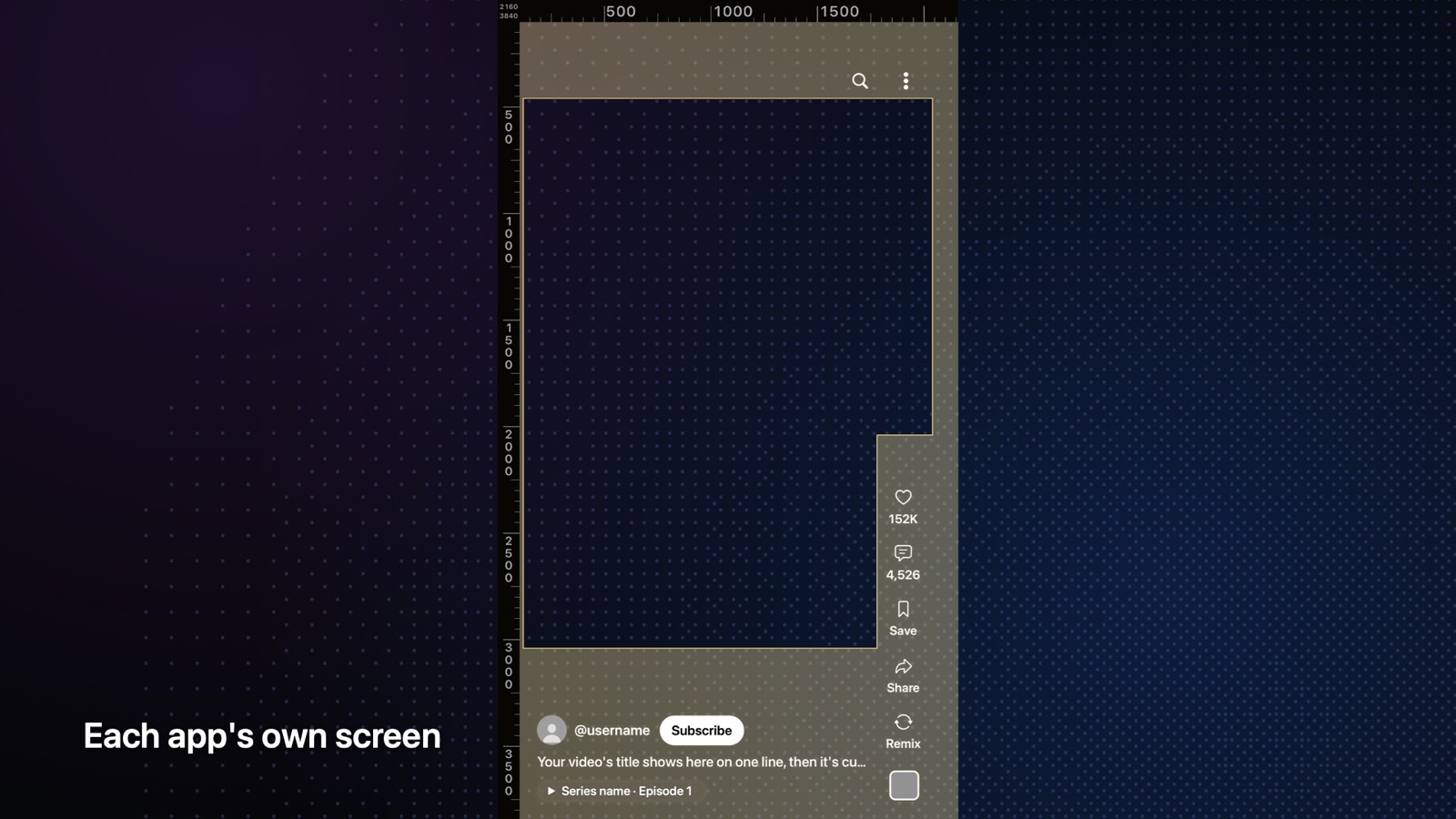
Each app's own screen New
One app at a time, or all of them at once.
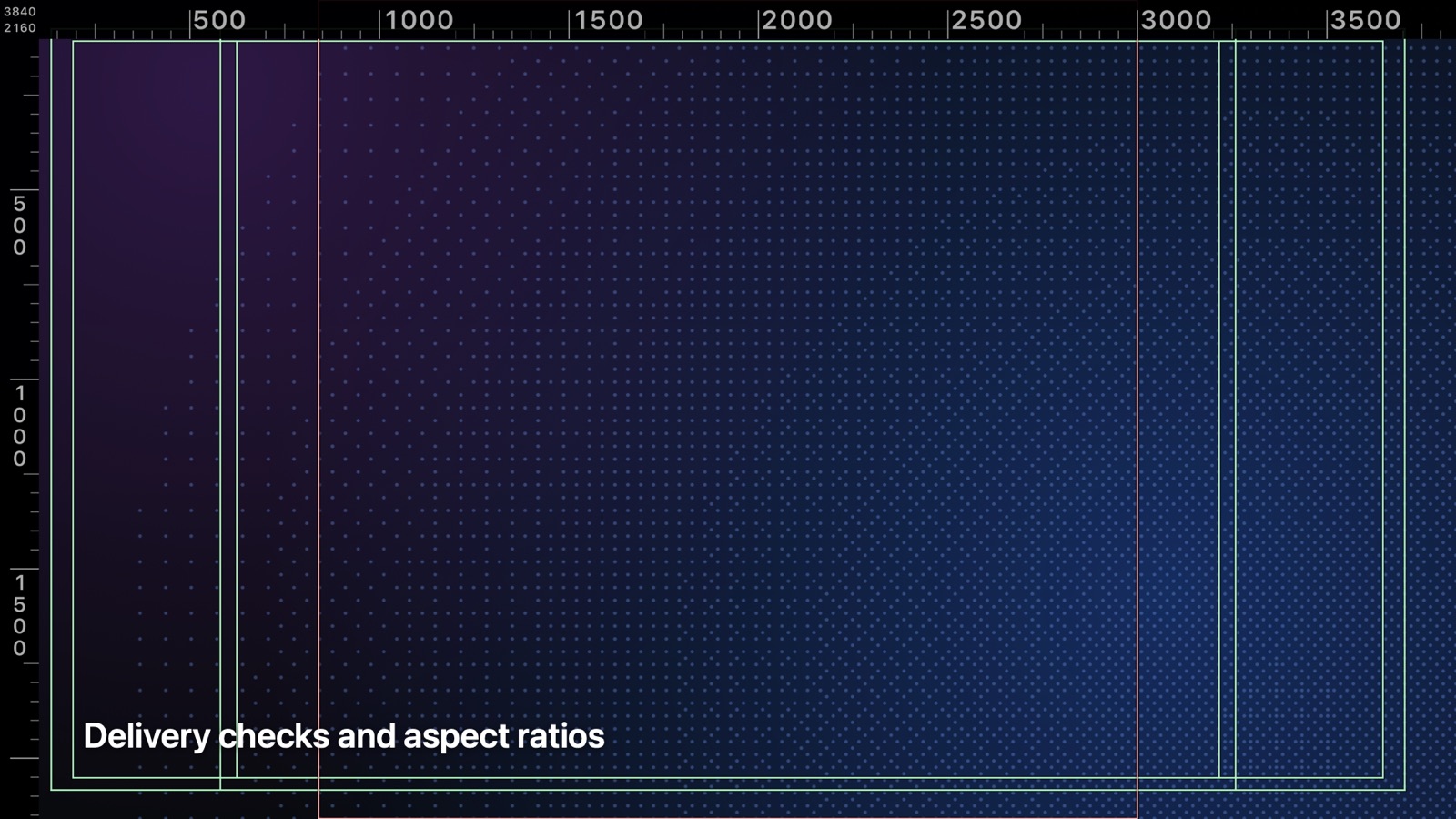
Delivery checks
Outlines or letterbox bars, or several shapes at once.
Also in the box.
- Save as Viewer Overlay NewYour setup becomes a Final Cut Custom Overlay: in the viewer only, never in an export.
- PresetsYouTube, Reels, TikTok and Shorts, plus your own. Export them to share.
- Reference imageLine your shot up with a storyboard frame or a layout.
- Made to be seenFour color sets, line width, a dark edge for bright footage, and HDR brightness.
- One-click installAn app installs it, updates it and uninstalls it. No folders to dig through.
- Everything undoesEvery change, even dragging guides in the viewer, goes through Final Cut's undo.
What you need
- macOS
- 13 Ventura or later
- Mac
- Apple silicon or Intel
- App
- Final Cut Pro
- Download
- A disk image with the installer app and the user guide
Getting set up
- Open the disk image and drag Grit Guides Pro into Applications.
- Open it and click Install.
- Quit and reopen Final Cut Pro.
- Find it under Titles › Grit Guides Pro or Effects › Grit Guides Pro.
Questions
Does it show in my export?
Yes, like any title or effect. Disable its clip (press V) or turn off Show Overlay before you export. Or save your setup as a Viewer Overlay: Final Cut shows it in the viewer only.
Does it work in vertical projects?
Yes. It works out 16:9, 4:3, vertical, 4:5, square and cinema-wide projects on its own. For 2.39:1 and 21:9, use the effect on an adjustment layer: a title only covers the middle 16:9.
Title or effect: which one?
Both draw the same overlay with the same controls. A title sits above your clips; the effect goes on an adjustment layer and covers the whole frame, whatever its shape.
Can I share my presets?
Yes. Open the Grit Guides Pro app and use its Presets menu to export yours to a file. Another editor imports it into theirs.
What if it isn't for me?
Email support@dnftd.net within 14 days of buying and you'll get a full refund. See the refund policy.
User guide
Installing, presets, every control, troubleshooting and uninstalling, on one page.
Open the user guide